E-learning platform
Corporate Learning Management System
Training that used to depend on handouts and paper exams now runs in one system, with content approved before release, progress visible to managers, and paper answer sheets graded automatically.
- Client
- Private company (confidential)
- My role
- Sole developer (design, backend, frontend, deployment)
- Timeline
- 2026 · ~2 months
- user roles, each with its own dashboard
- 5
- user roles, each with its own dashboard
- stages every module passes before learners see it
- 4
- stages every module passes before learners see it
- languages supported
- 2
- languages supported
- automatic database backups
- Weekly
- automatic database backups
The problem
The company needed a single place to run employee training: assigning modules, checking that staff had read the material, testing them, and proving who had completed what. Training content also had to be reviewed by managers before release, and some exams still had to be taken on paper.
The system had to run on the company’s own servers and serve staff who read more than one language.
What the company has now
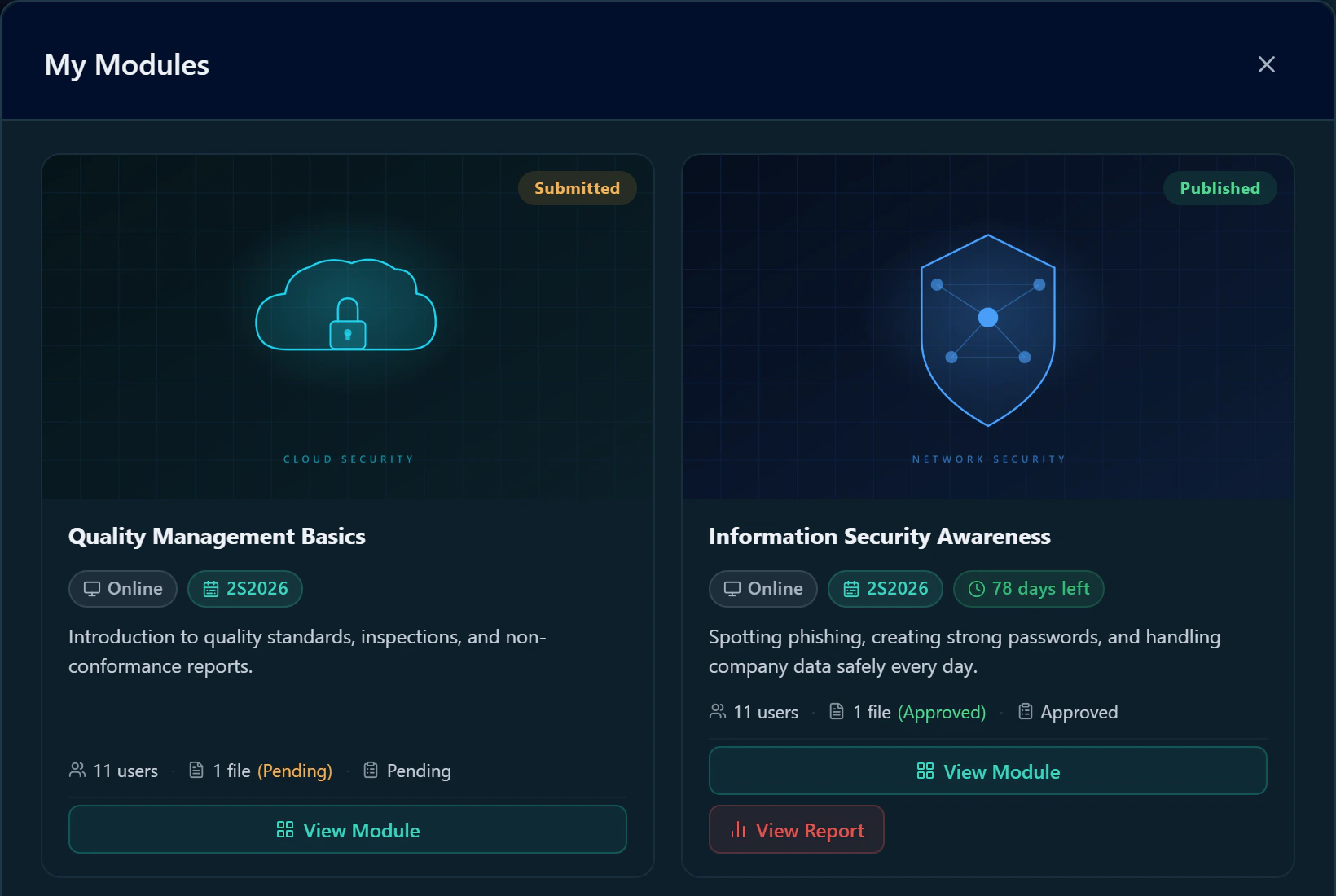
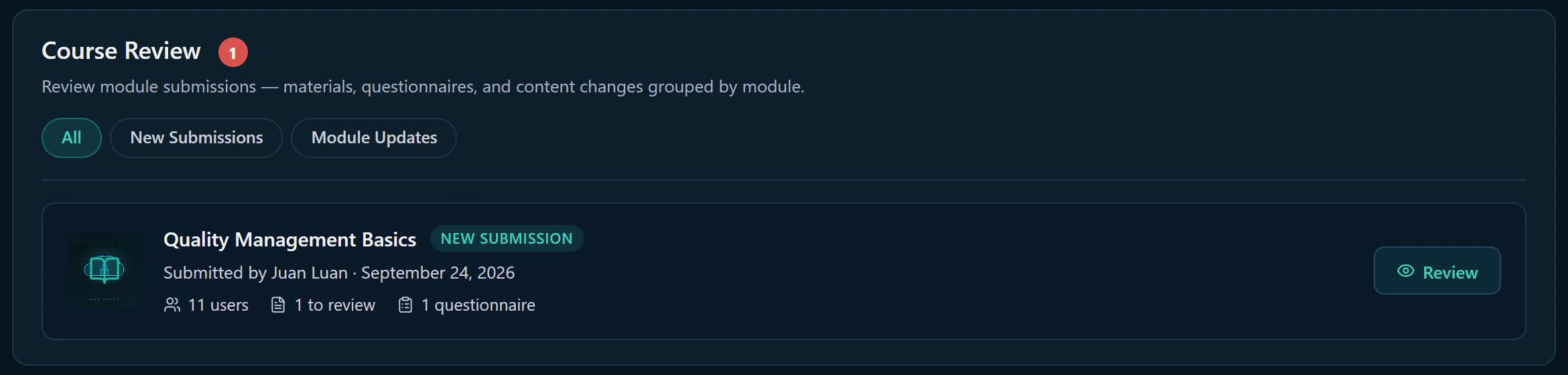
- Approved content only. Every module passes through draft, review, approval, and publishing before learners see it. Managers approve or return each item, and can see exactly what changed since their last review.
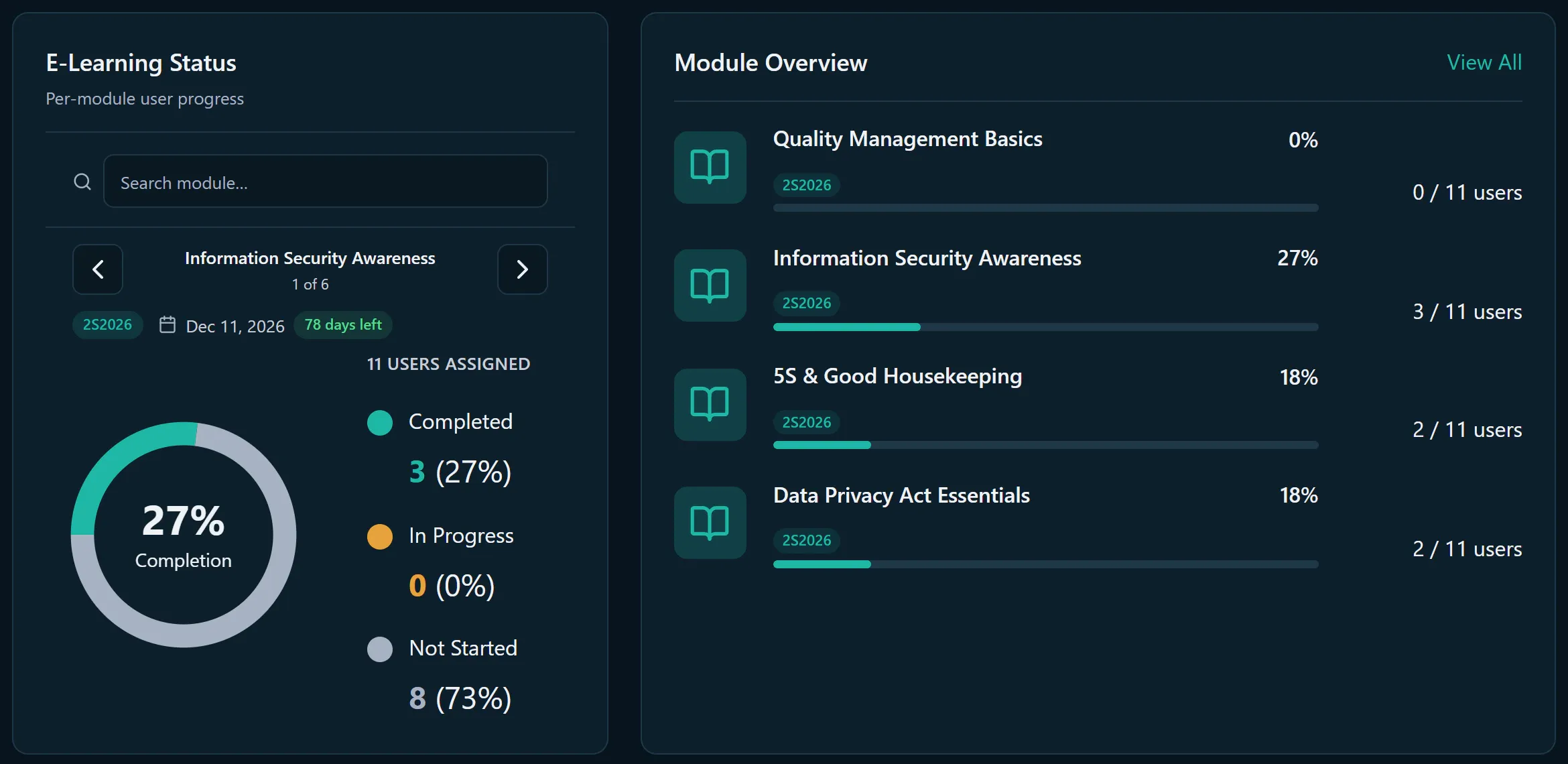
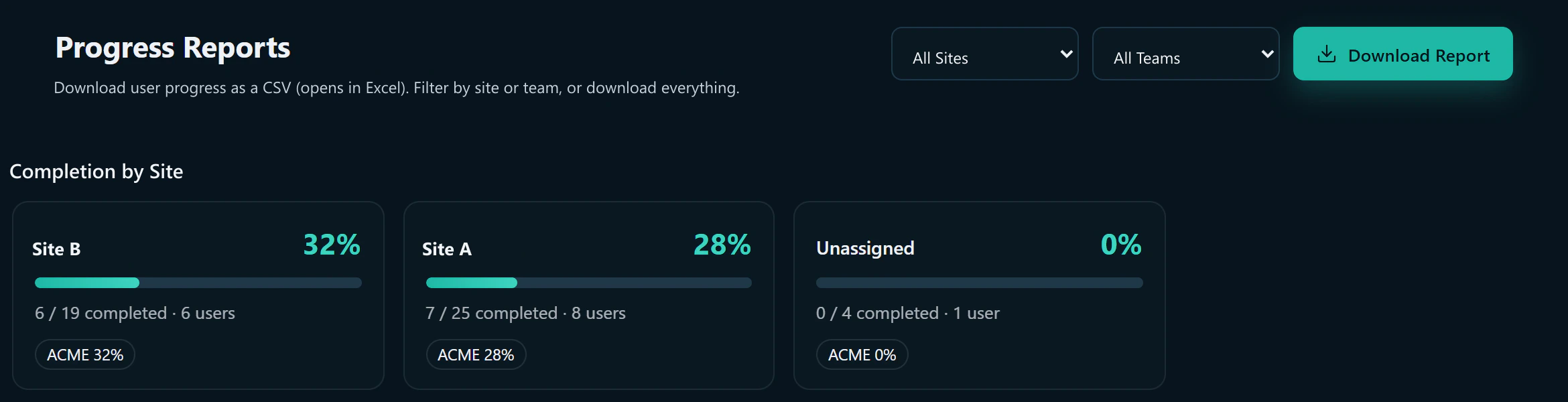
- Visible progress. Managers and admins see who has completed each module, and download progress reports to Excel, filtered by site.
- Paper exams graded automatically. Scanned answer sheets are read and graded by the system, which returns an annotated results PDF.
- Faster onboarding. Many employees can be added at once from a spreadsheet, with a clear reason given for any row that fails.
- Protected data. The database is backed up automatically every week, and admins can make a backup at any time.
How it works for each role
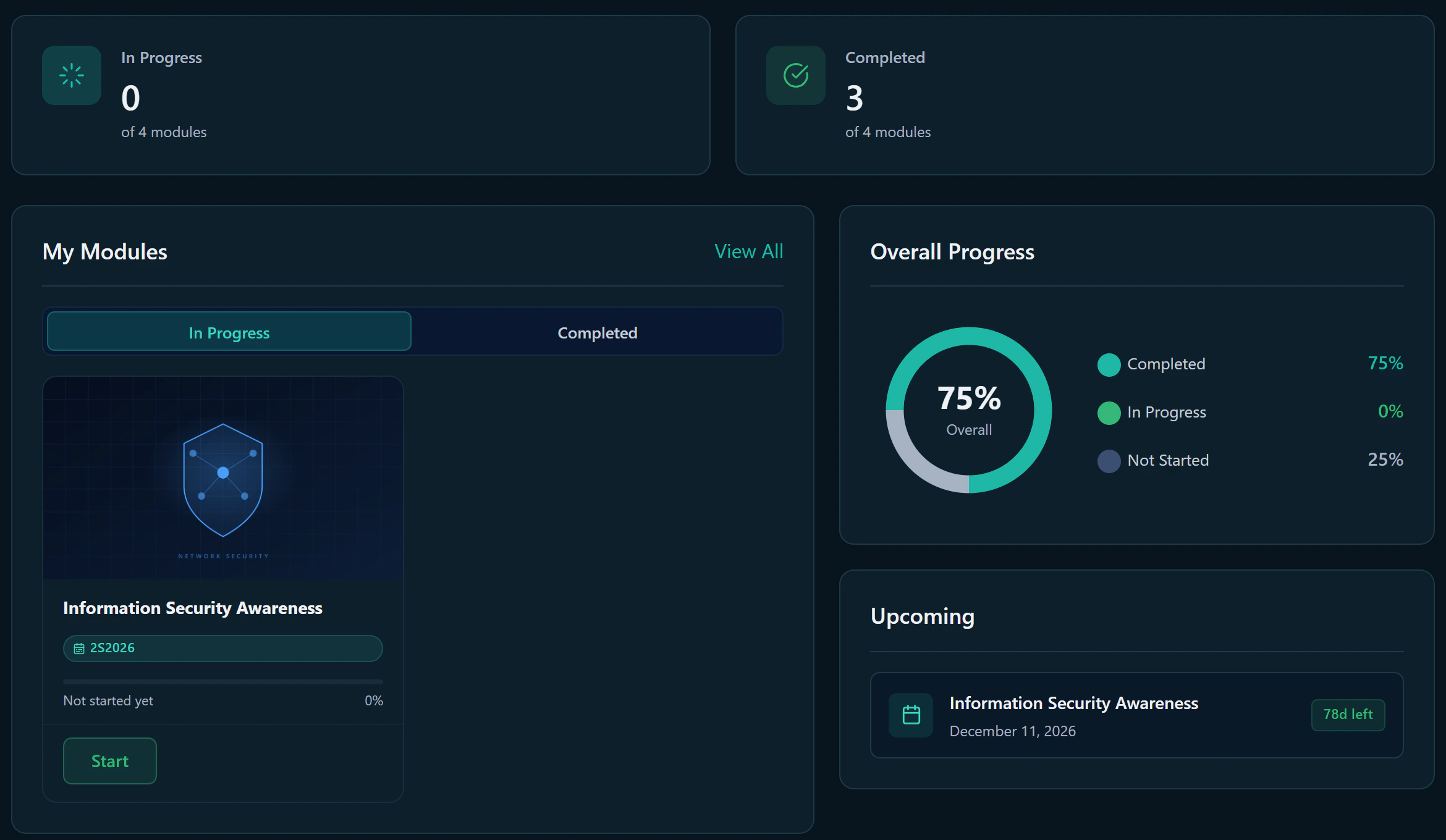
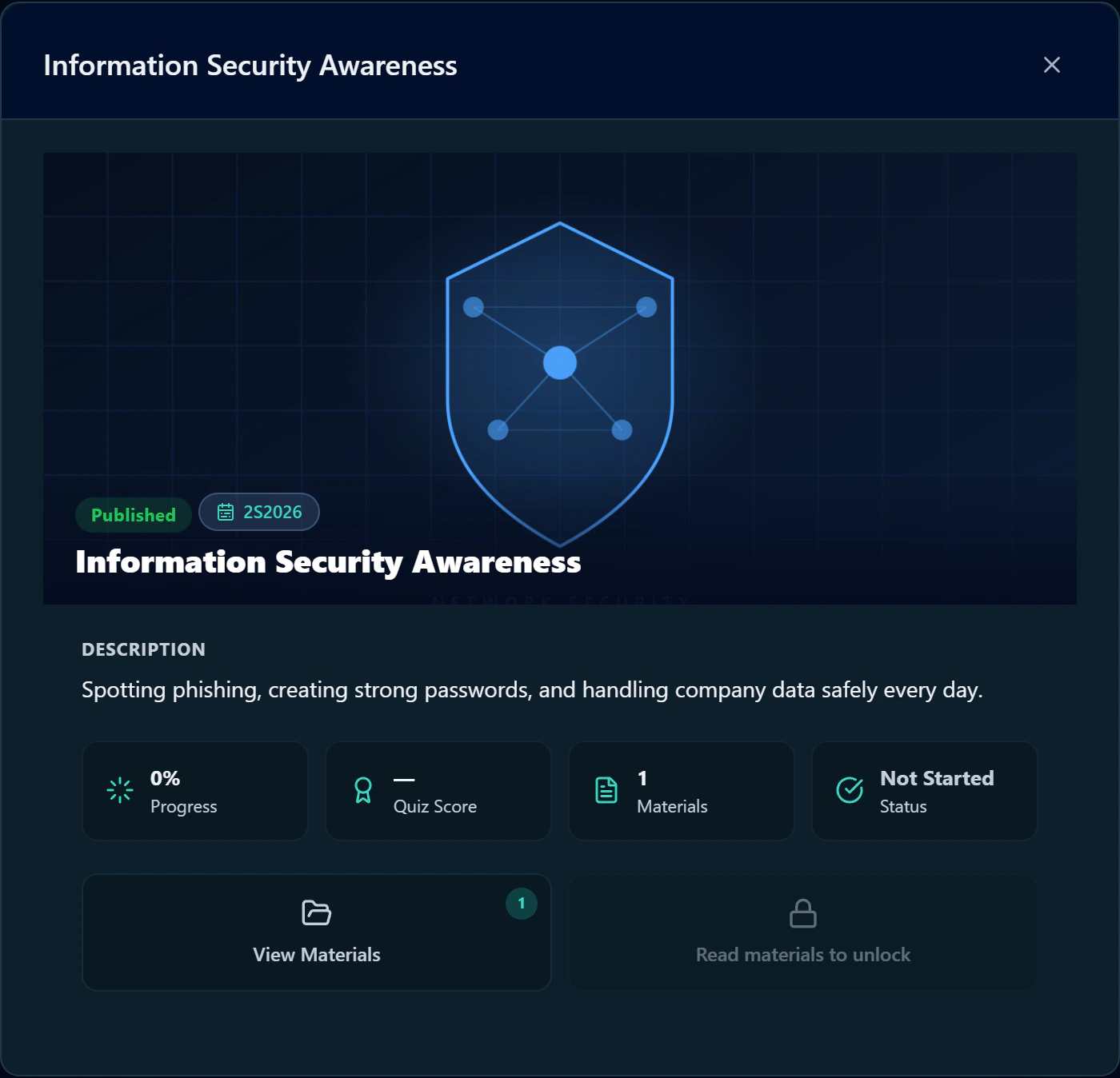
- Learners open their assigned modules (PDFs, images, video) and take the quiz. The quiz stays locked until every material has been opened, questions are shuffled on each attempt, and the best score is kept.
- Facilitators build modules, choose target learners and deadlines, and submit them for review. A module can be scheduled to go live at a set time.
- Managers review each material and quiz, and approve, request a revision, or reject it.
- Admins manage users, reports, backups, and the privacy notice.
- Proctors supervise in-person exams with read-only access.
Decisions I made, and why
- The paper-exam scanner is a separate service. It is written in Python with OpenCV, apart from the main app, so it can run on the web server or be moved to its own scanning machine without changing the rest of the system.
- PDFs are turned into page images. That way every document displays the same on any device. The conversion runs in the background and picks up where it left off if the server restarts.
- Notifications check for updates on a timer. A live connection can be blocked on a restricted company network; simple polling still gets through.
- Accounts are locked down by default: one active session per account, a forced password change on first login, a password policy, idle logout, and immediate lockout when an account is deactivated.
- The setup guide covers growth. It explains how to move to a new server or split the database and scanner onto separate machines, so the company is not tied to the first setup.
Screens
Click any screen to view it full size.
Need something similar?
I can build a system like this for your company, shaped around your own process.